
Commands
Available in Enterprise Plan and above.
StoreHippo supports two types of roles for users: Group based and Granular. In the case of granular roles, you can specify permissions at the entity command level. A command record for an entity gives permission to execute that command on the entity.
You can manage commands in Advance Settings > Commands section in StoreHippo Admin Panel.
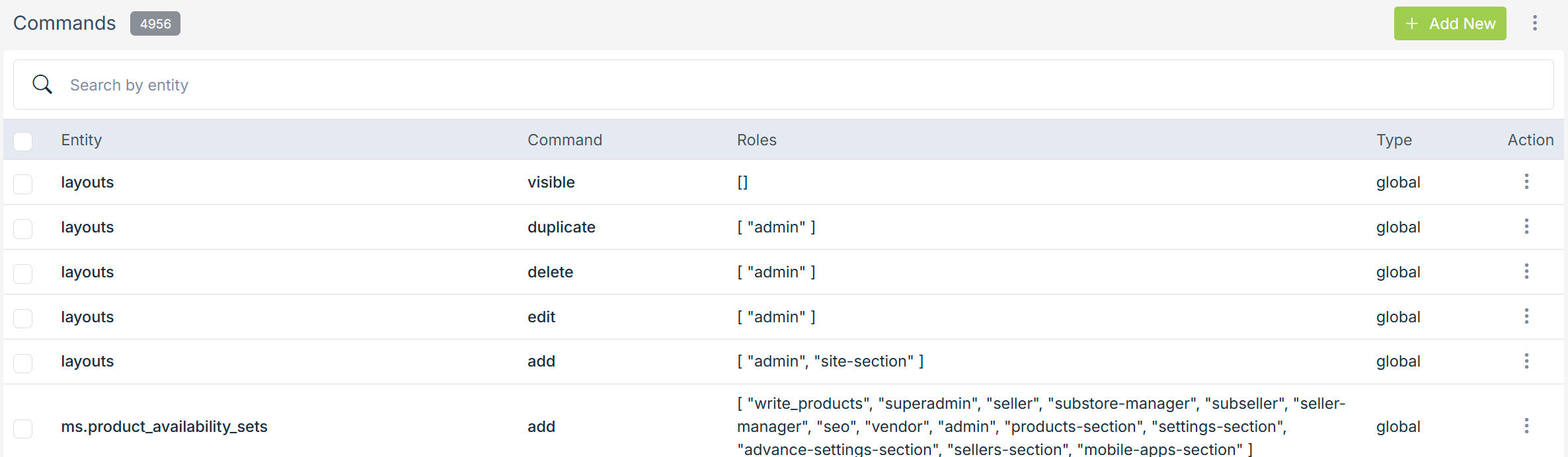
To add a new command, click on the Add New button in the top right corner. Clicking on the button will open a form with following fields:
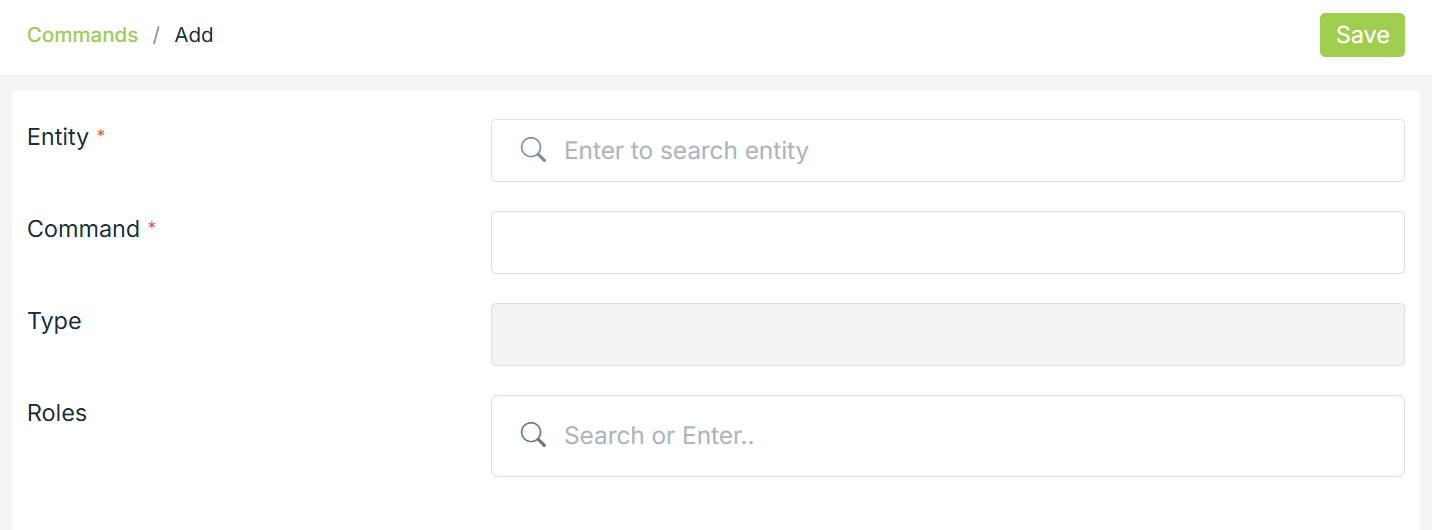
Entity
Select the entity for which you want to give permission.
Command
The name of the entity command that you want to give permission. This field is pre-populated.
Type
The type of the entity is pre-populated here. The type can be Store or Global entity.
Roles
Choose the roles from the drop-down to which you want to give permission for the given entity command.