
Enquiries
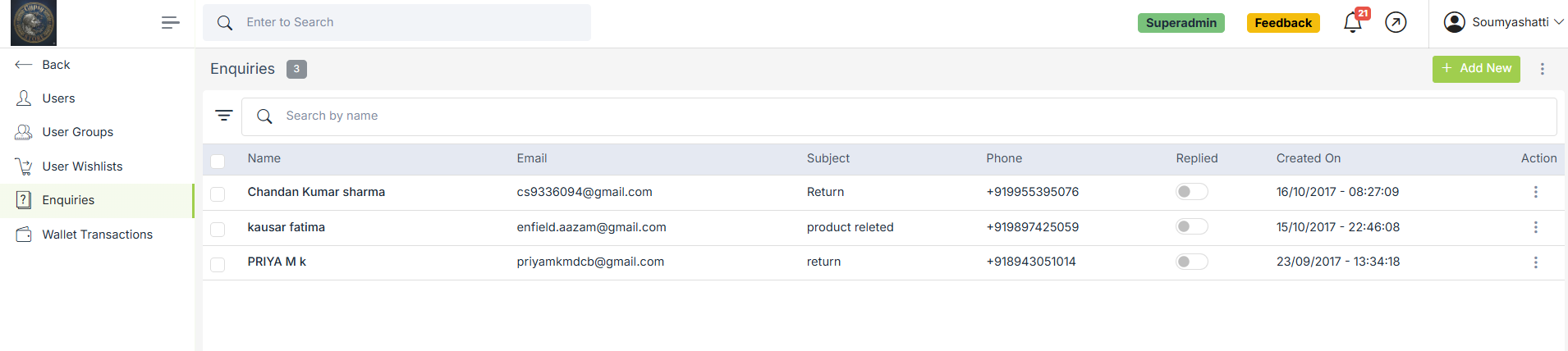
Enquiries are the queries sent by users about their problems. For enquiries, the users have to fill up the form provided on the contact page of every store.
The enquiries are for internal use. Superadmin of the store receives the notification whenever a user sends an enquiry. You can view and delete the enquiries. You can reply to the customers' queries through mail or phone and mark the enquiry as replied.
Go to the Users > Enquiries section in the StoreHippo Admin Panel to manage enquiries.
Search and Filter Enquiries
If there are many users in the panel and you need to filter specific users out of the list, you can easily search and filter the specific user or users to view detail, edit, etc.
Search Users
You can use the quick search box to

Filter Users
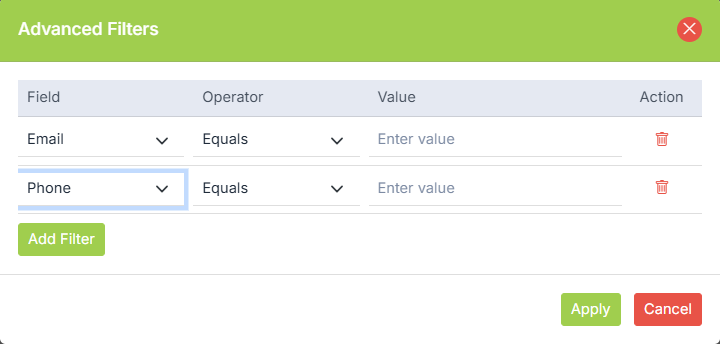
You can create filters using one or more fields in the filters. Filters can be accessed by clicking on the filter icon on the left side of the search bar. Advanced filters help you refine the search and help you search the enquiries by the email, and phone number of the user.
Operations on Enquiries
View
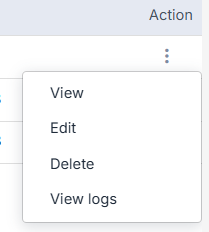
Select an enquiry and click on the vertical ellipsis button by it. Choose the view option from the drop-down to view all the details of the enquiry. You can also add the notes for yourself or your team if required and view the history of the actions on the enquiry.
Edit
You can edit the enquiry by clicking the Edit command.
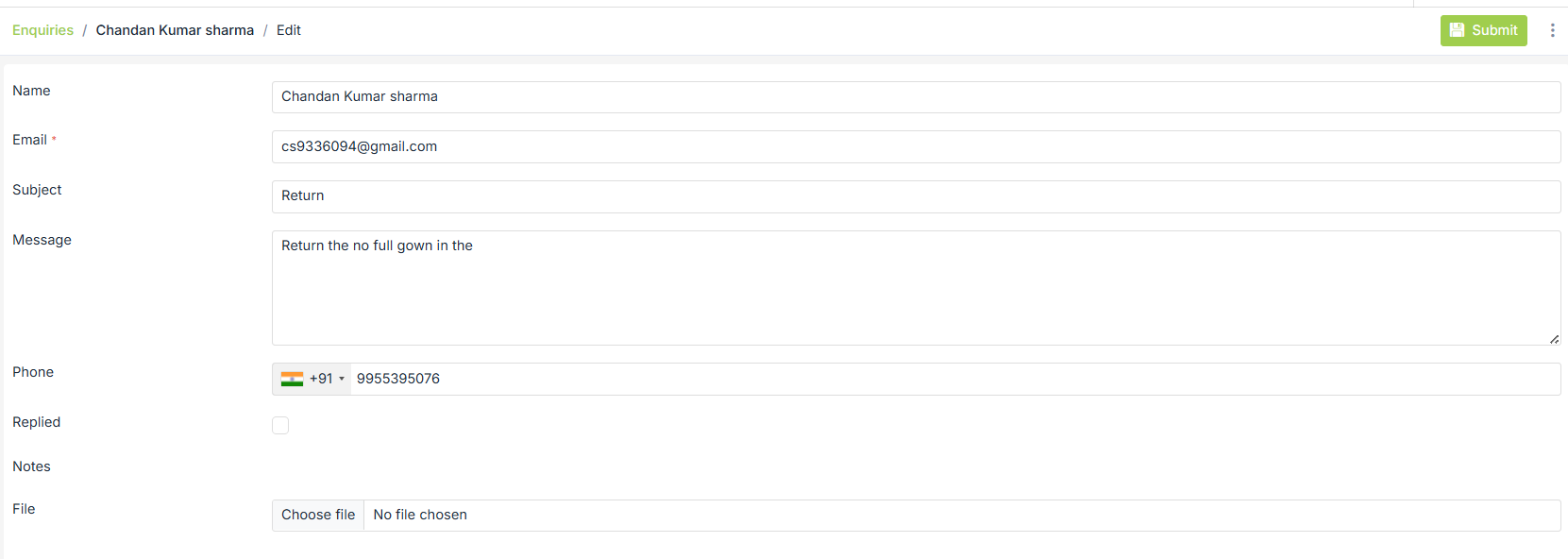
After editing the enquiry, you need to save the changes, and the enquiry will be updated.
Delete
You can also delete an enquiry or enquiries in bulk by choosing the delete option.
View Logs
See the activity history of the record. Tracks actions like creation, updates, and user changes for auditing purposes
Set up enquiry form
By default, a global enquiry form is provided by StoreHippo. Go to Forms to edit the enquiry form. Click on the Contact form and edit it accordingly.