
How to add banners for specific user groups?
StoreHippo allows you to add user group based banners. This feature enables you to add different banners for different user groups. Suppose, you have two user groups let's say, Retailers and Wholesalers. You want to display different banners for both the user groups.
User groups based banners
To add the banners for specific user groups, follow the steps mentioned below:
- First of all, you need to add the user groups. Click here, to know more about adding the user groups.
- After adding, assign the user groups to the users. Click here to know more about assigning users to the user groups.
- Now, go to the Site > banners section in the StoreHippo Admin Panel to add user groups based banners.
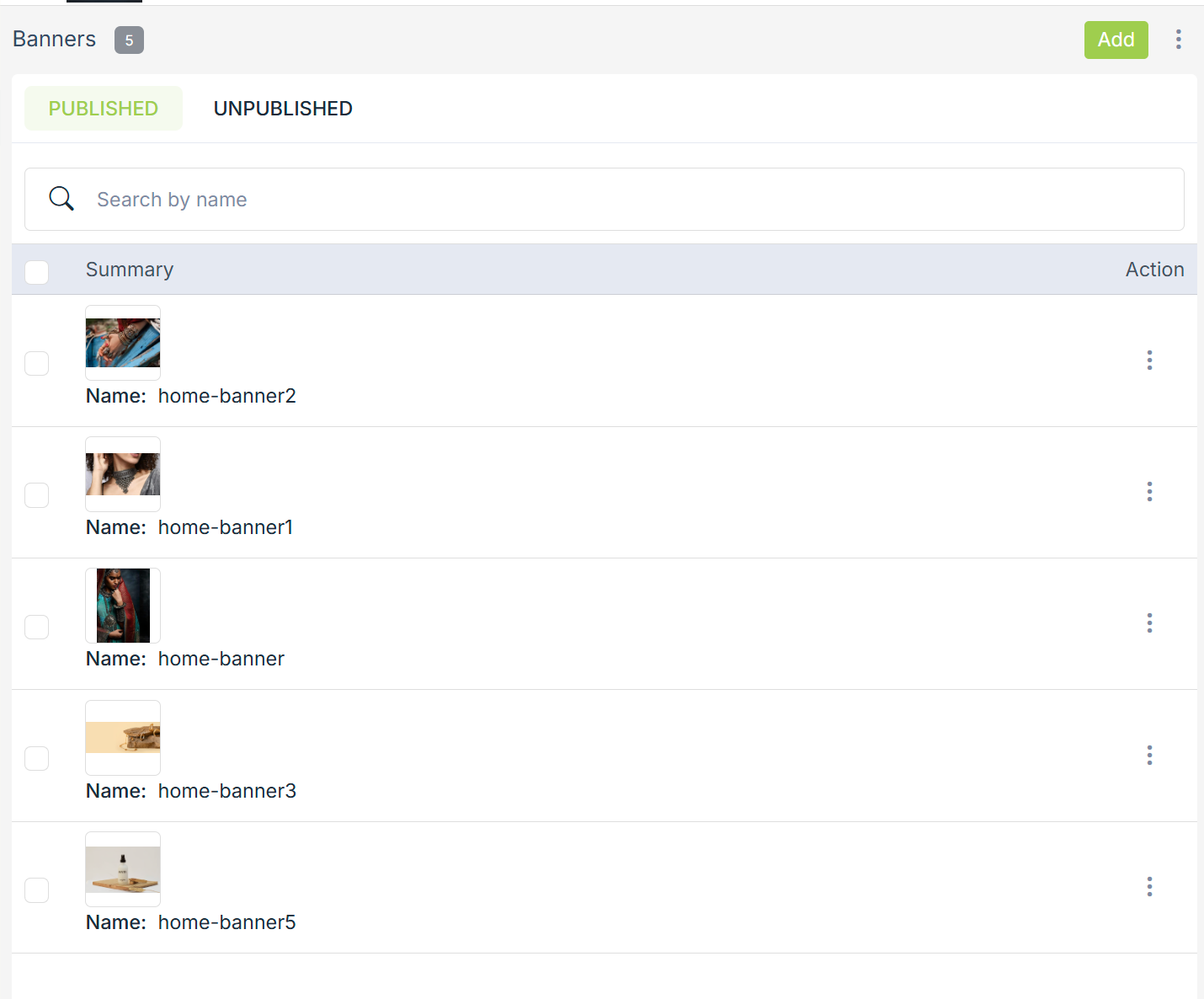
- Proceed to add or edit a banner.
- In the User Groups field, select the "Wholesalers" user group option.
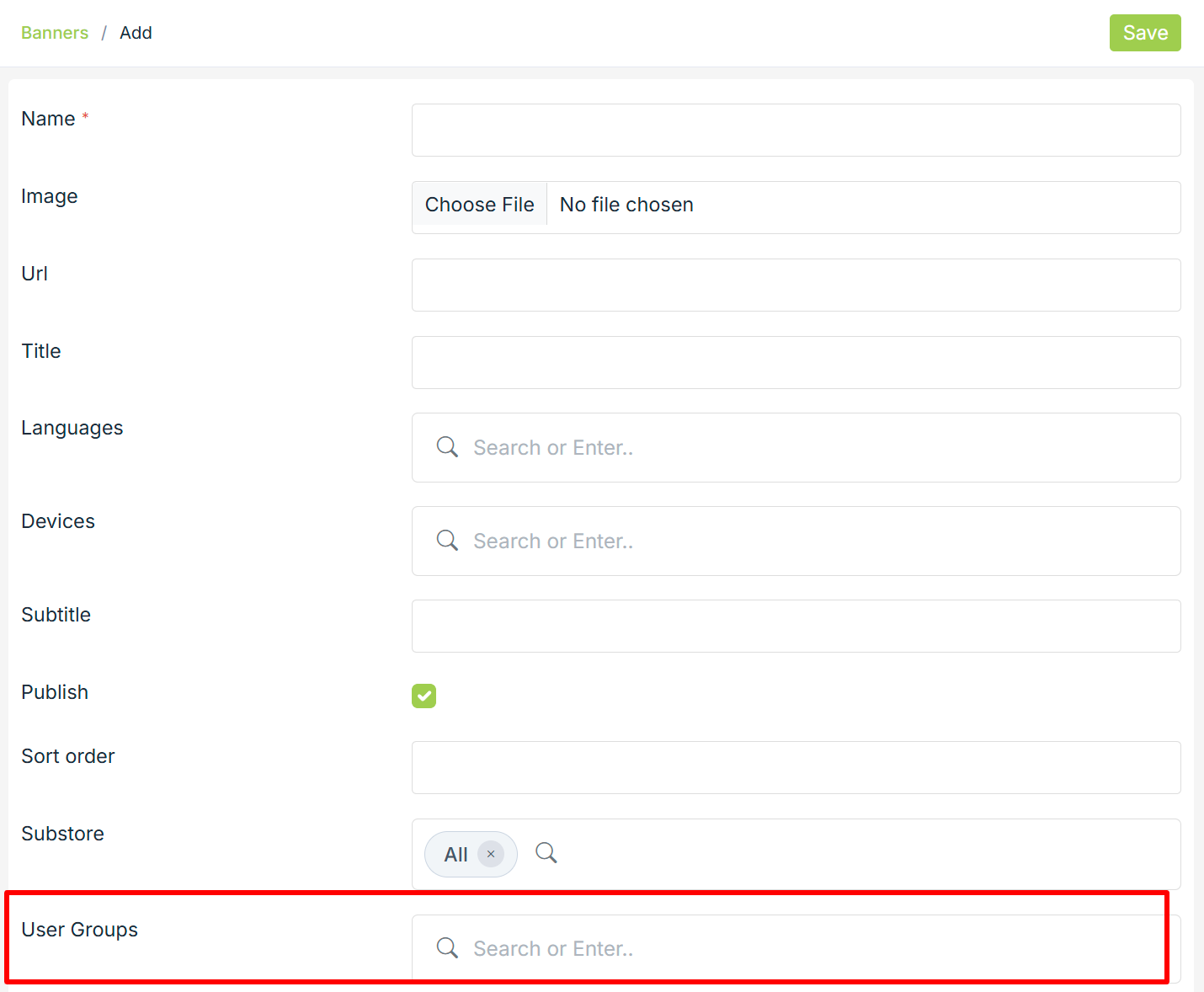
- Click the Save button to apply the changes.
Now, the selected user groups will be assigned to the banner. When the users from the selected user groups will open the store, the specified banner will open up. Similarly, you can add the banners for the other user groups also.
Related Topics
How to set different payment methods for different user groups?
Was this page helpful?