
How to set CCAvenue payment method for a particular category?
Scenario
You want to provide an online payment method "CCAvenue" to the "Skincare" and "Hair care" category on your website.
Steps
StoreHippo lets you enable different payment methods for different conditions. If you want to provide an online payment method "CCAvenue" to a particular category, follow the
Register on CCAvenue
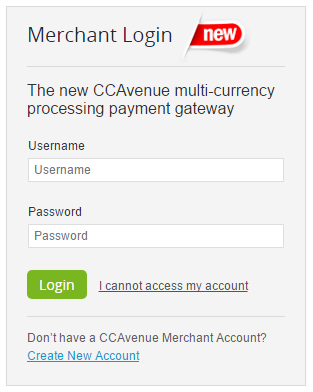
- Login with the credentials in the CCAvenue.
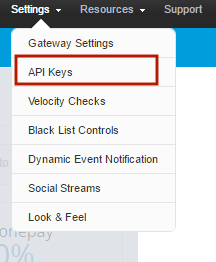
- Go to Setting and click on API Keys.
-
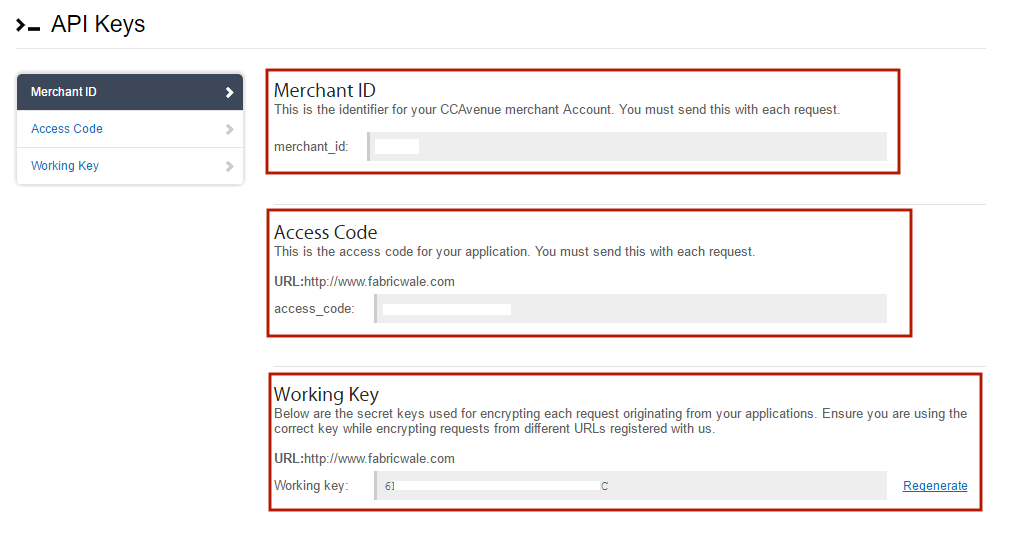
Then you get the Merchant Id & Encryption Key & Access Code for the live environment.
Configuring CCAvenue with Store
- Go to Settings > Payment methods section in StoreHippo Admin Panel.
- Click on Add New button to add a new payment method.
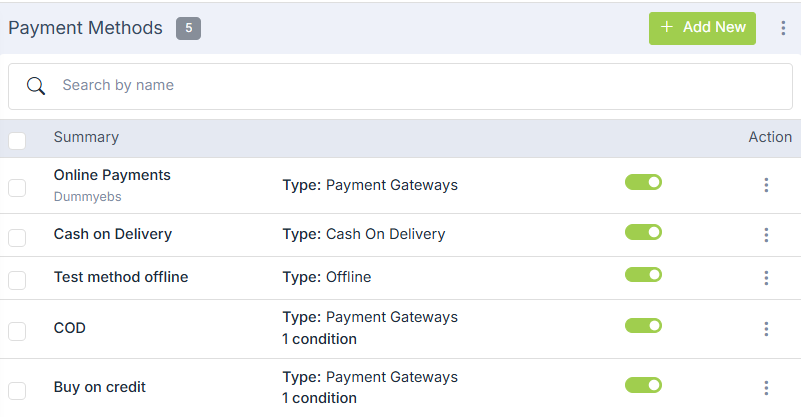
- Enter the Name as "Online payments".
- Choose the type "Payment Gateways" from the drop-down.
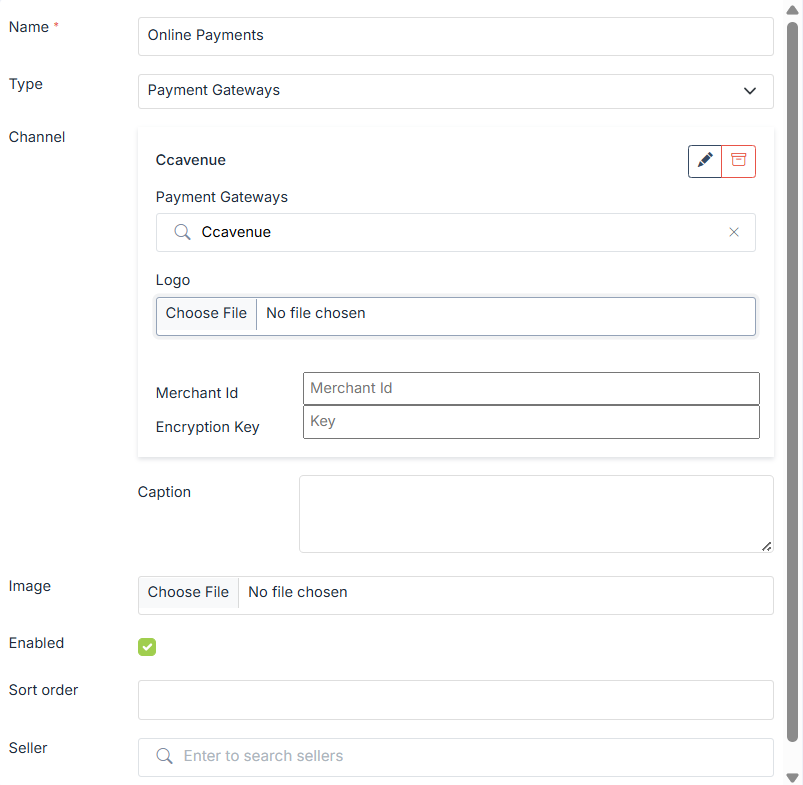
- In Channel, choose the payment gateway as "CCAvenue". On choosing Ccavenue, you are required to enter the Merchant Id, Encryption Key and Access Code which you got from CCAvenue panel.
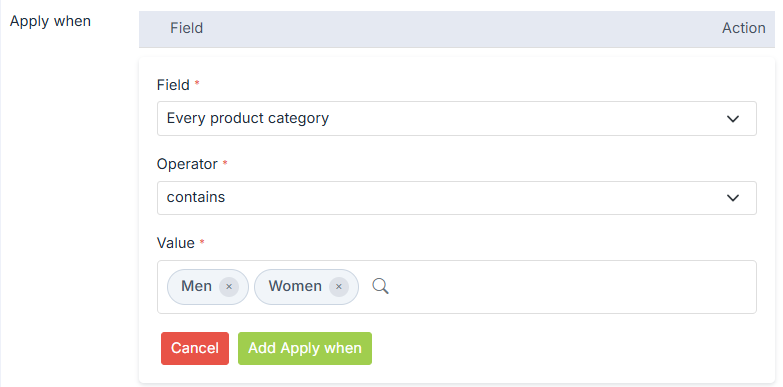
- Now, provide the conditions for which you what to apply the payment method. Choose "Every Product Category" in Field and "Contains" in Operator. Mention the Value as category names "Skin Care, Hair Care".
- Select the Enable checkbox to set the payment gateway on your website.
- You can provide the Additional Charges if you want to.
- Click on Submit to store the payment method.
Was this page helpful?