
How to set language based payment methods?
StoreHippo provides support for the language based payment methods. This functionality allows you to set different payment methods for different languages. Depending on the language selected by the user, the payment method(s) will be displayed on the checkout page.
Steps
To add language-based payment methods, you need to add multiple languages and then you can set different payment methods for different languages. Once you have created multiple languages, you can follow the steps mentioned below to add language based payment methods:
- Go to the Settings > Payment methods section in the StoreHippo Admin Panel.
- Click the Add New button to add a new payment method.
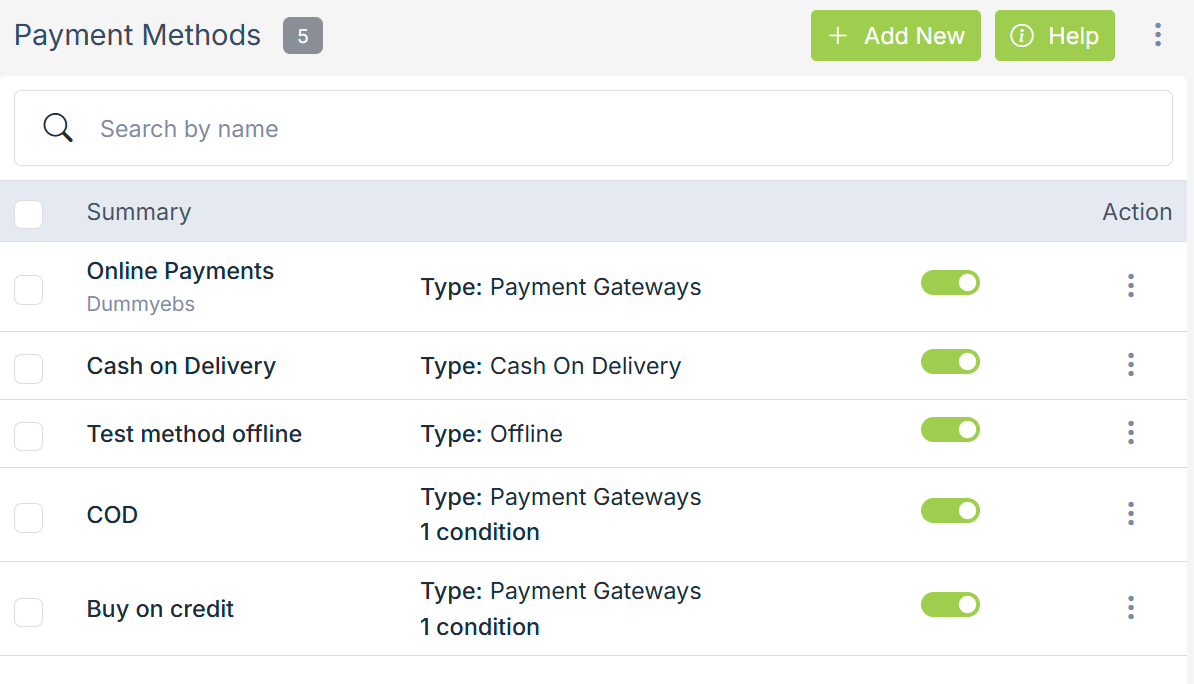
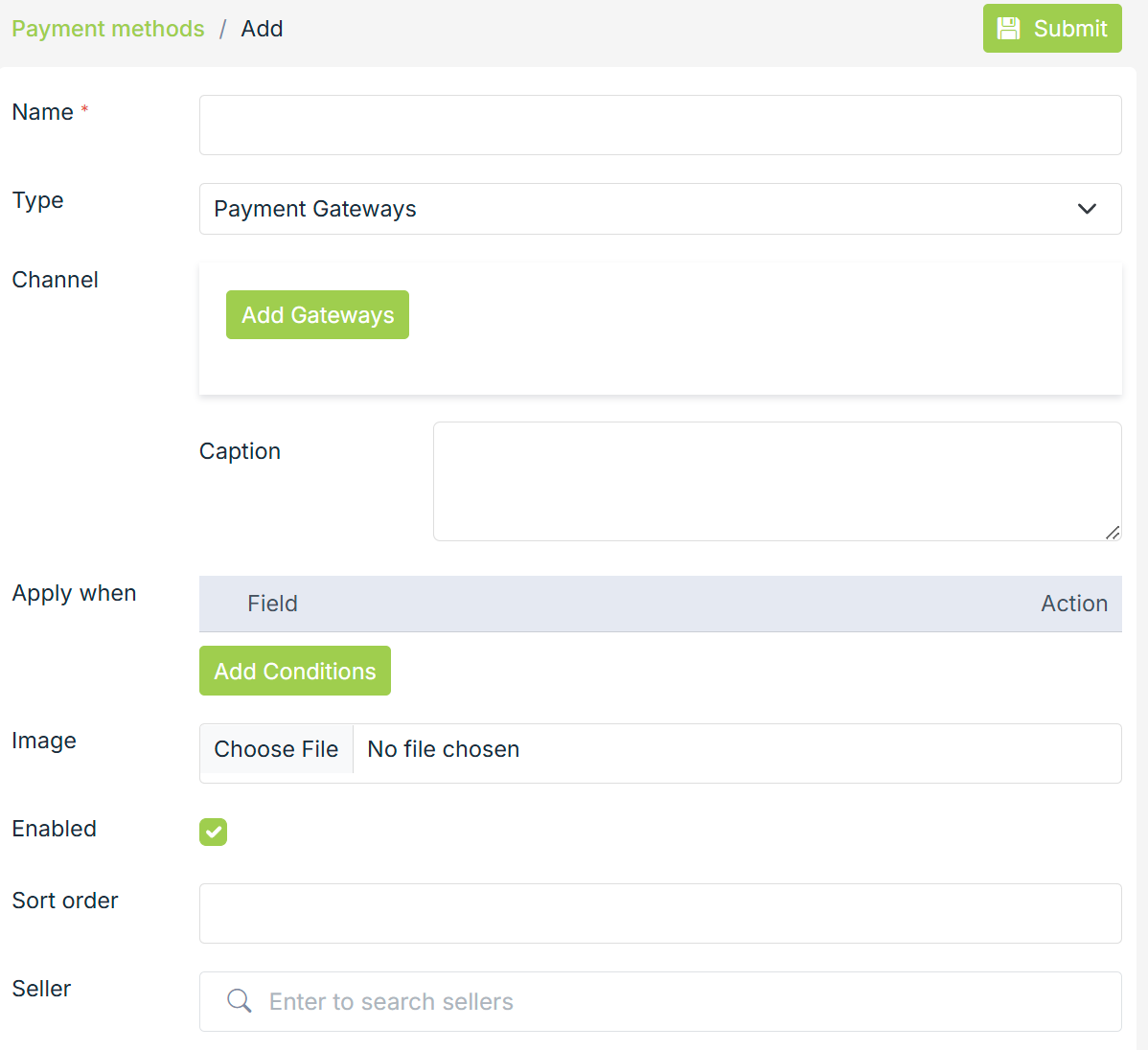
- A form will open up with multiple fields.
- Enter the name of the payment method in the Name field.
- Choose the type of payment method from the Type drop-down. If you have selected Payment Gateways as an option, then also select the payment gateway by clicking on the Add Gateways button.
- In the Caption field, enter the caption description. This caption will be displayed on the checkout page.
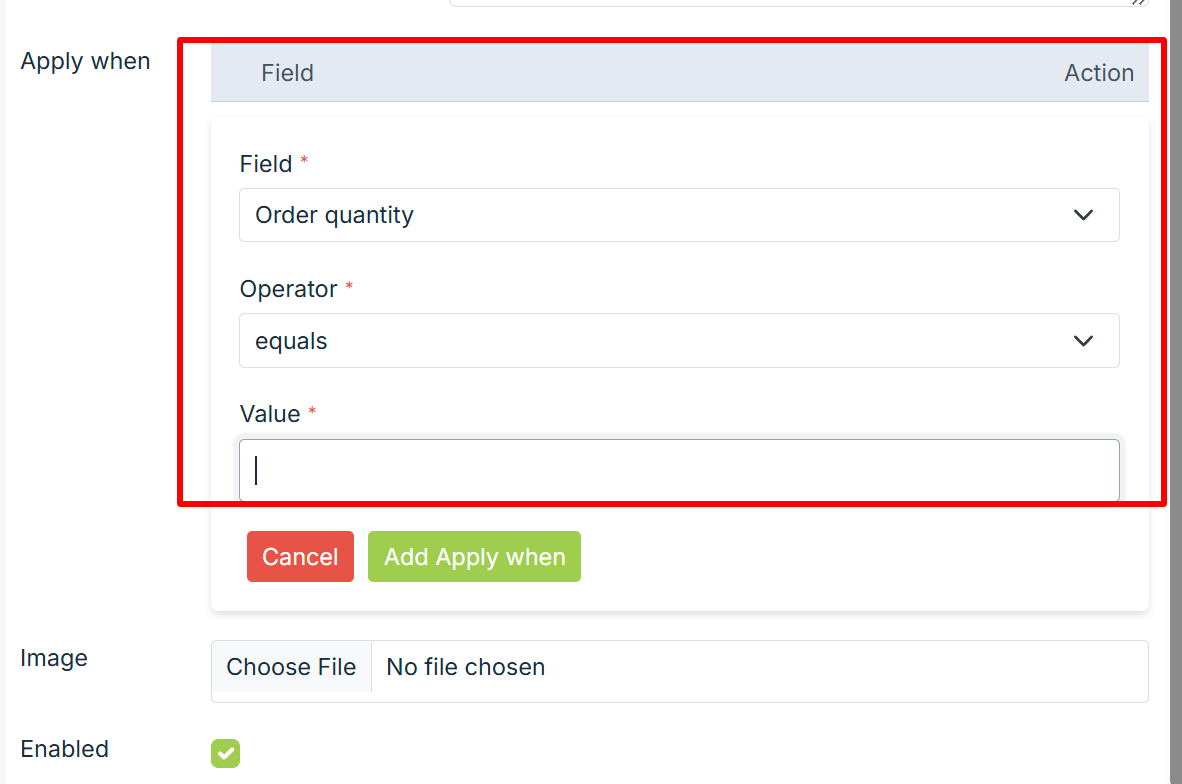
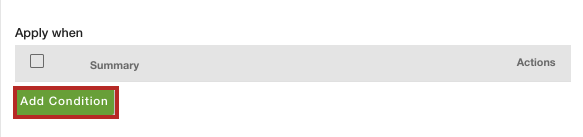
- Click the Add Condition button.
- Now, provide the conditions. Choose "Language" in Field and "equals" in Operator. From the Value dropdown, select the language. You can select multiple languages.
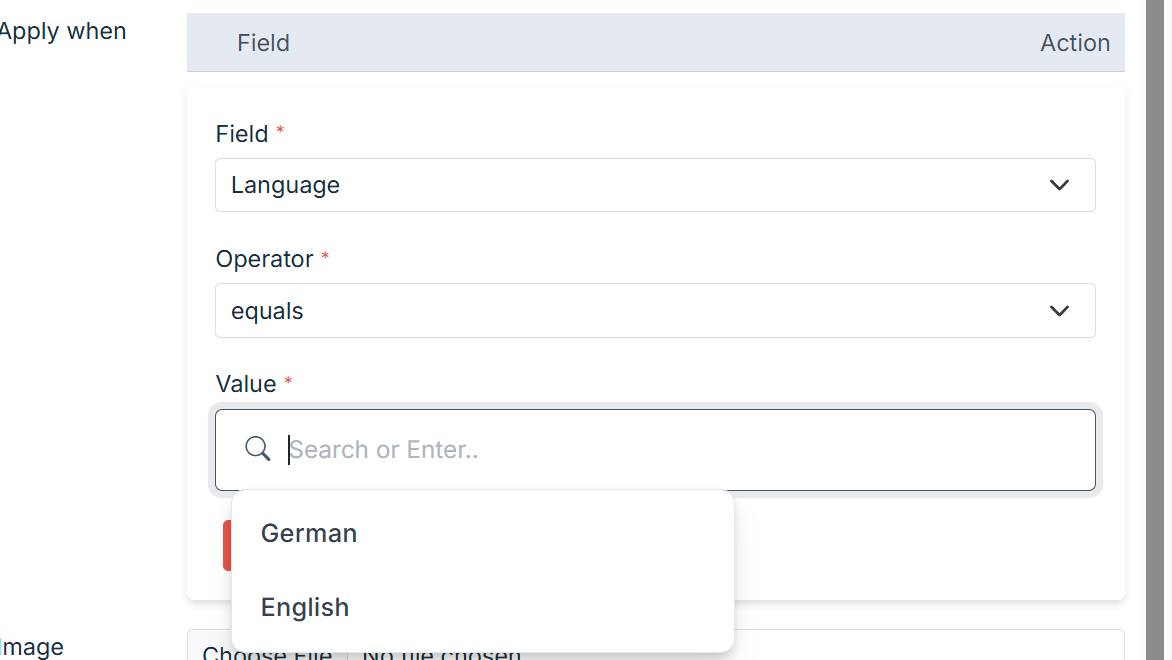
- After entering the condition, click the Insert Condition button.
- Select the Enable checkbox to set the payment gateway on your website.
- You can provide the Additional Charges and Sort Order if needed.
- Click the Save button to set the payment method for the selected languages.
Now, the payment method will be set for the selected languages. Similarly, you can add payment methods for the other languages also.
Similar topics
- How to add different payment methods for different substores?
- How to add seller based payment methods?
- How to add order quantity based payment methods?
- How to add different payment methods for different user groups?
- How to add country based payment methods?
- How to set order weight based payment method?
- How to set a payment method based on the order total?
- How to set a city location based payment method?
- How to set ZIP code based payment method?
- How to add product category based payment methods?
Was this page helpful?