
Seller invoices
The Seller Invoices section will display the list of paid and pending invoices for the sellers.
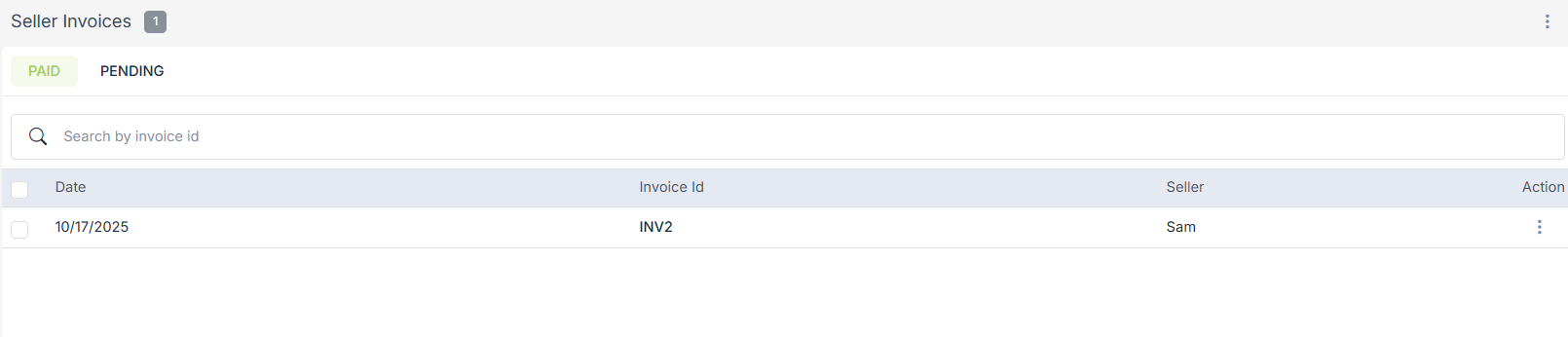
Generating seller invoices
You can generate the invoices for the sellers in the Seller Ledger section of the StoreHippo Admin Panel. You can generate the invoices for all or specific sellers. You can also define the period for which the invoices should be generated. Thus, the unbilled transactions lying in the specified time period only are included in the invoices. You can opt to generate invoices for the current month, last month, last 30 days, any custom range, or since the beginning.
You can also make changes to the invoice. You can edit the seller invoice template in the Settings > Invoice Template section.
Operations on Seller Invoices
Here are some operations that can be performed on seller invoices. Click on the ellipsis button to access operations:
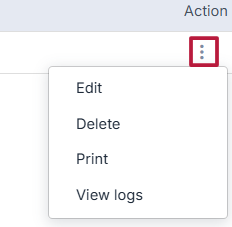
- Edit: Modify invoice details
-
Delete: Remove the invoice
-
Print: Download or print the invoice
-
View Logs: View invoice activity and change history