
Language Based Sliders
Slides are the essential entity of your store that helps to promote the products and make your store more attractive. The sliders can be changed as per the requirement of your store. Once you have added the slide, you may want that the sliders to get changed depending on the language and device. StoreHippo provides the functionality to set the language based and device based sliders for your store.
Adding language based sliders
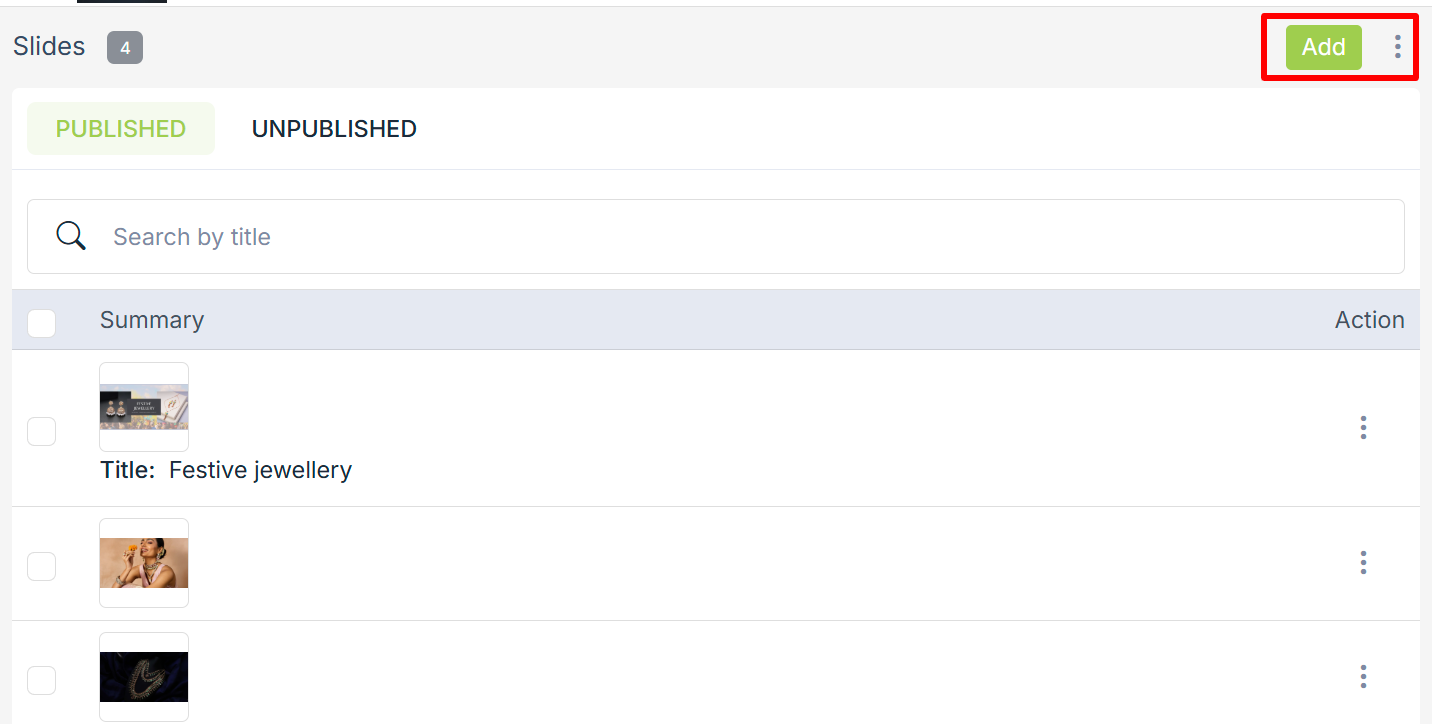
- Go to the Site > Slides section in the StoreHippo Admin Panel.
- Click on the Add New button to add the new language or device based slide or the Edit button to add the language or device preference in the existing slide. A form appears with the following fields.
- Enter the details in the required field. To create the language based slider, select the language(s) from the Language dropdown.
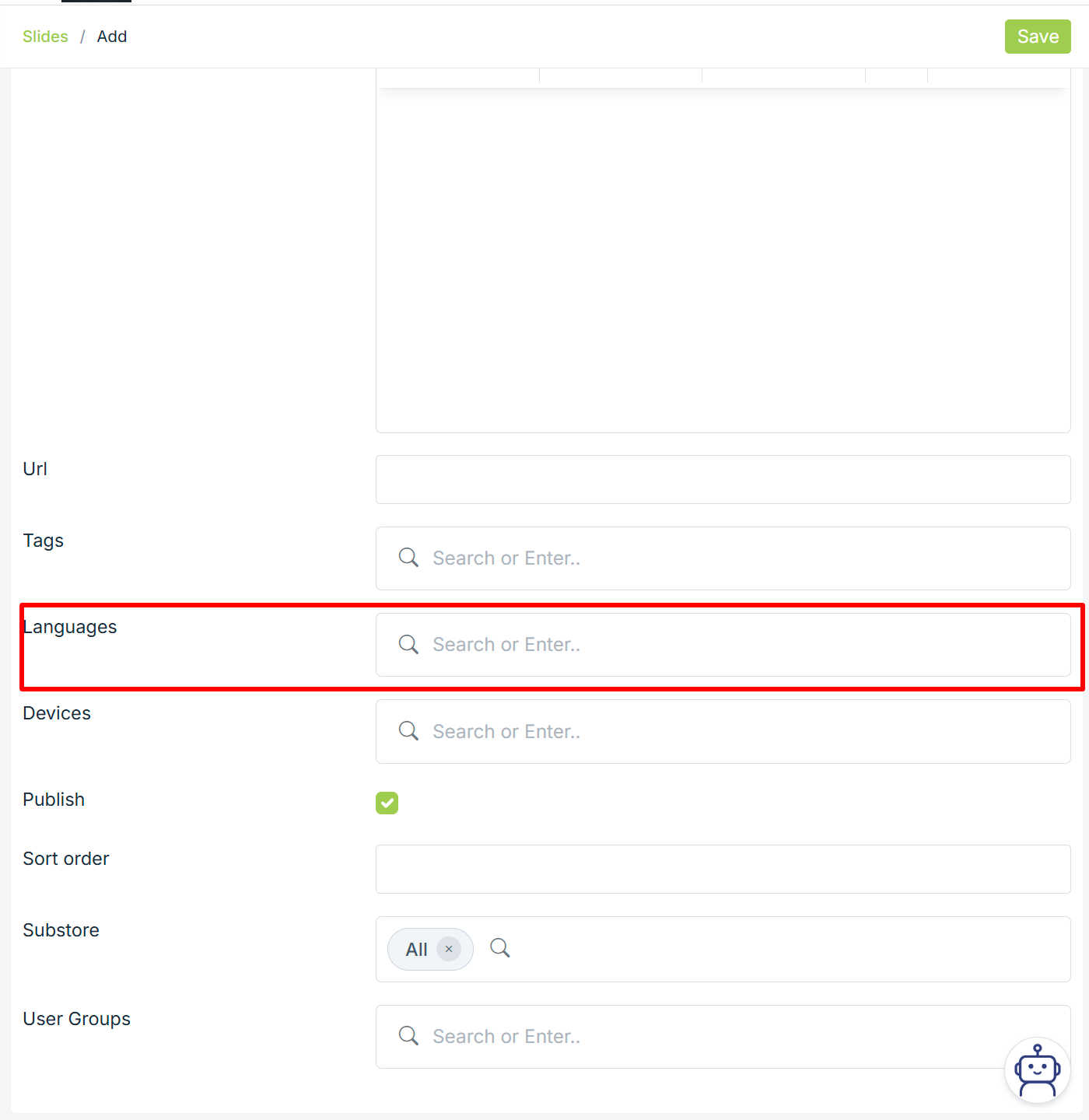
- Click the Save button and the language (or device) based sliders will be created.
After adding the language, the sliders will be changed as per the selected language.
Related Topics
Was this page helpful?