
Slides
You can use slides on your StoreHippo site to promote your products and make your store more attractive. Slides are images that appear on your store's homepage and keep changing at short intervals. The slides can be updated as per the requirement of your store. For example, you can have a slide displaying your latest collection or promotional offers.
You can manage slides in the Site > Slides section of the StoreHippo Admin Panel.
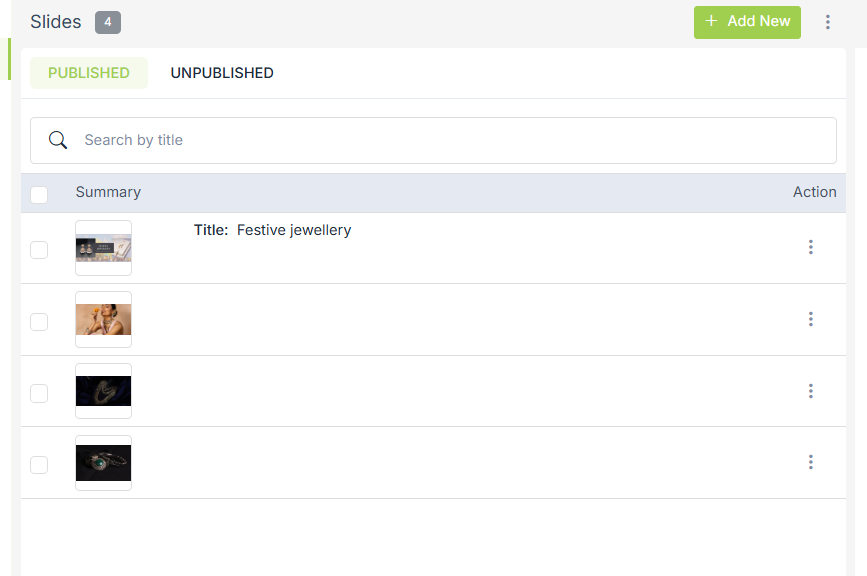
Adding a slide
To add a new slide, click on the Add New button in the top right corner. Clicking on the button will open a form with the following fields:
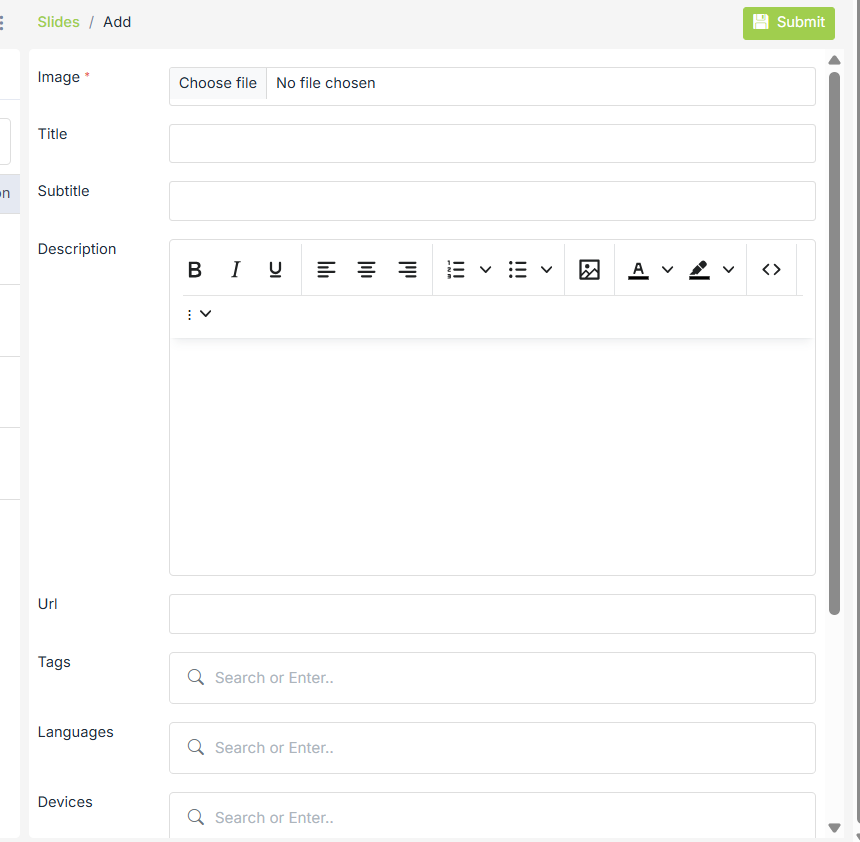
Image
Click on Choose File to upload an image and to be shown on the slide.
Title/Subtitle
Give an appropriate title/subtitle if needed.
Description
Enter a description as needed.
URL
Mention the URL of the page you would want your customers to be redirected to when they click on the slide.
Tags
Input some words which can be used as tags to find a particular slide.
Languages
You can add different slides for different languages. For example, you have one slide that has English content written on it and you have another slide that has Arabic content written on it. You can use both the first slide when the English language is selected and vice versa.
Devices
You can set device-specific slides. Sometimes, your image may lose its original quality when viewed on a different device. So, to avoid that, you can add different slides for different devices.
Publish
Unselect the checkbox to hide the slide on the storefront.
Sort Order
Give a numerical position to the slide to make it appear in that particular sequence if there are more than one slide.
Substores
Select the substores if you want this slide to be visible only for those substores. Leave blank to show it for all substores.
User Groups
You can add the user groups specific slides. Select the user groups if you want this slide to be visible only for those substores. Leave blank to show it to all the users.
Using slides in theme
You can use ms.slides global widget to use slides in your store themes.
Use this widget to provide objects along with all the details related to that slides(title, subtitle, images, URL).
|